Review Requests for Small Business

Ask your clients for a Google review without having to remember to.

Review Requests for Small Business is a free add-on for Google Sheets™. Add a client to a sheet. Check a box when the job is done. It emails them a quick private rating question right away, then asks for a public review a few days later. That second email goes out either way, whether or not they answered the first one.
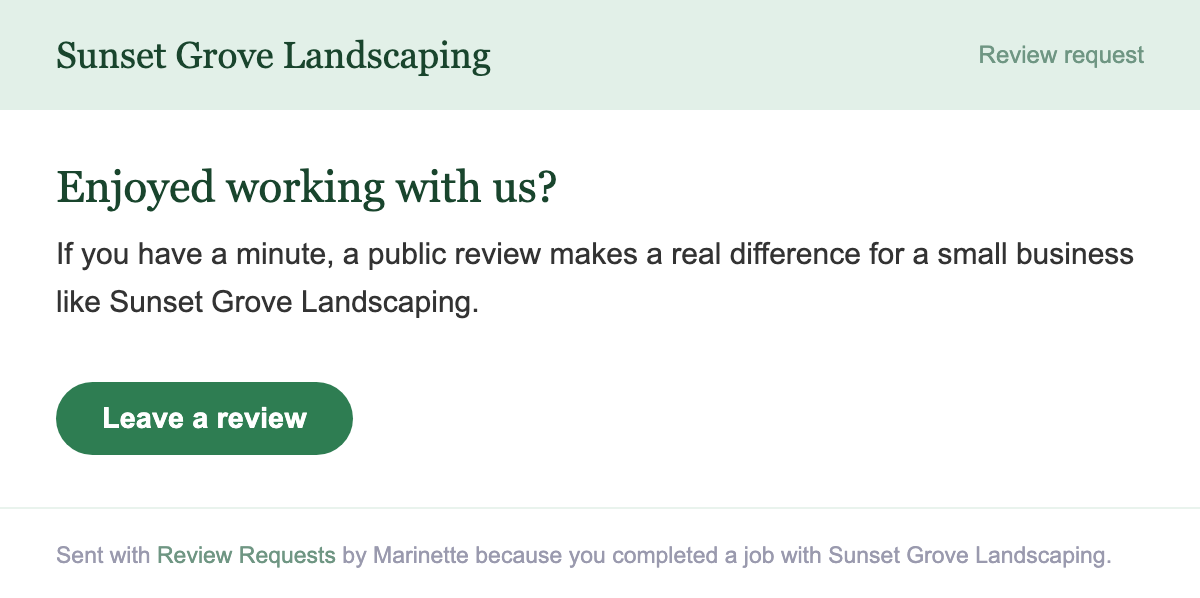
The public review-request email a client receives, wearing the business's own brand color: Enjoyed working with us? with a Leave a review button
Install free from the Google Workspace Marketplace™ →

Free. No card, no account, no monthly fee.

How it works

Set it up once, in three steps

1

Paste your review link

Your business name, and the link you want clients to land on.

2

Add your clients

Name and email. Type them in or paste a list.

3

Check the box

Mark a job complete. That is the only thing you do by hand.

What it looks like

The sheet does the remembering

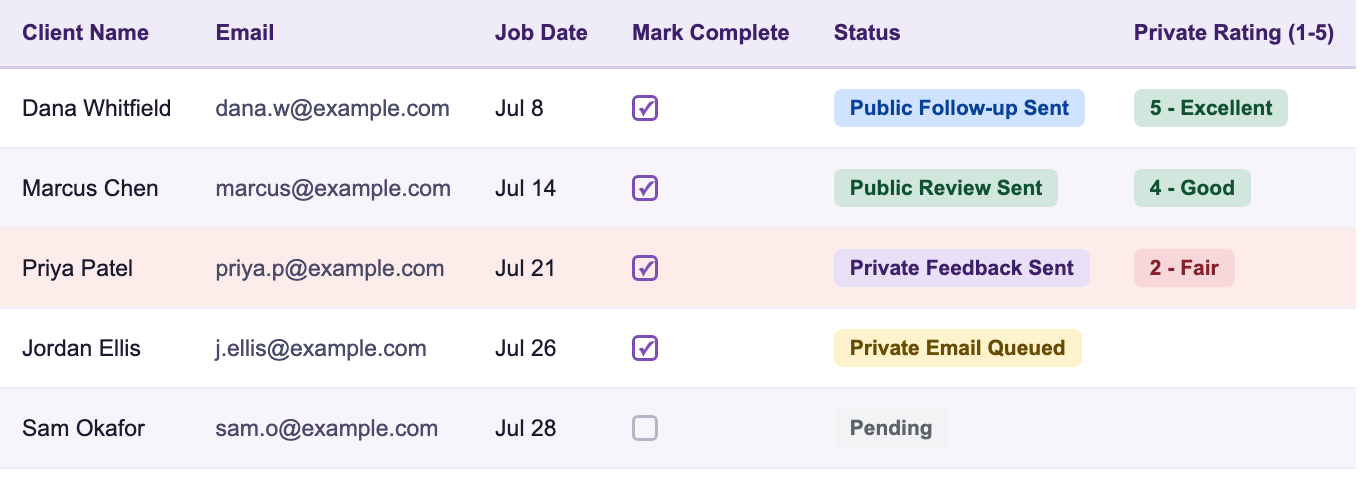
The Clients sheet: names, emails, Mark Complete checkboxes, and color-coded status chips from Pending through Public Follow-up Sent, with 1-5 private ratings

Every client, one glance.

Statuses color themselves as each email goes out, and private ratings land back in the sheet on their own. The one thing you do is tick Mark Complete.

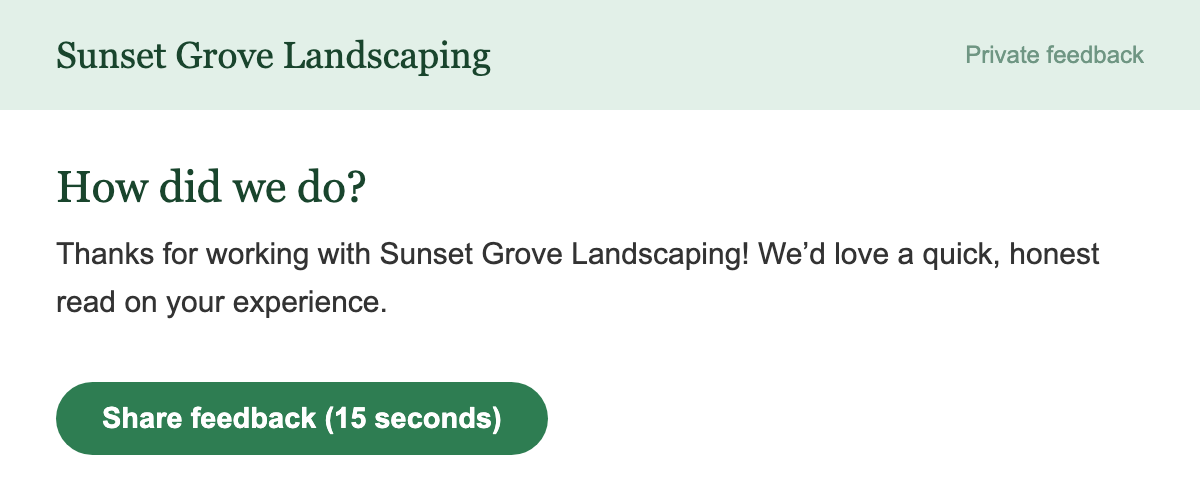
The private feedback email: How did we do? with a Share feedback button, in the business's brand color

The private ask goes first.

A quick 1 to 5 while the job is fresh. It wears your brand color and your business name. Nobody has to log into anything.

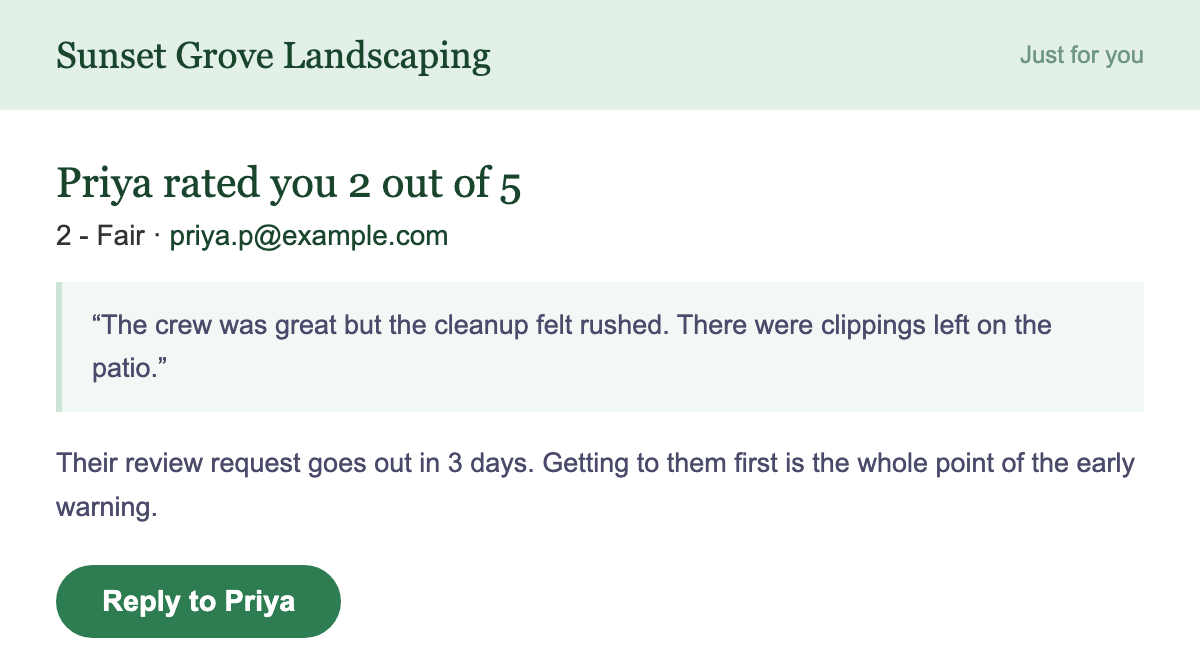
The owner alert email: a client rated you 2 out of 5, their comment, and a Reply button, sent before the public review request goes out

Bad news finds you first.

A low rating emails you right away, with their comment and a reply button. The public request still goes out on schedule. You just get there before it does.

Two emails, in the right order

The private one goes first

It asks for a 1 to 5 rating while the job is still fresh in their mind. That is when people answer honestly, and it gives you a heads up before anything is public.

The public one is never gated

It goes out on the schedule you set, regardless of what the private rating said. A low rating emails you so you can call them. It does not hold back the public ask.

That part is not optional

Google's review policies and the FTC's Consumer Review Rule both ban filtering who gets asked publicly based on how they felt privately. There is no setting here that turns that filtering on. How to ask customers for reviews, without breaking the rules →

It lives in a spreadsheet

No new account and no dashboard to check. The client list, the settings, and the feedback form all sit in a Google Sheet™ you already own.

Set it up once and stop thinking about it.

Questions before you start? Email support@getmarinette.com.

Install free from the Google Workspace Marketplace™ →

Free. No card, no account, no monthly fee.
Common questions

No, and there is no setting that makes it work that way. The public request goes out on its own schedule no matter what the client said privately. A low rating emails you so you can follow up yourself. It never delays or cancels the public ask.

Tools that do hold back the public ask based on a private score are doing something called review gating, which Google and the FTC both prohibit. This one is built so it cannot. There's a full write-up of the honest playbook in how to ask customers for Google reviews, the right way.

Yes. There is no card, no account, and no monthly fee. It runs inside a Google Sheet™ you already own, using your own Google account to send the emails.

First a short private email asking them to rate the job from 1 to 5, with an optional comment box. A few days later, a second email with your review link. Both are plain, branded emails. There is nothing for them to log into.

Any link you paste into Settings. Most people use their Google Business Profile review link, but Yelp, Facebook, or anything else works the same way.

It is a real Google Form™ owned by your account, so you can open it and set a color or header image yourself in about two minutes. Google does not let any add-on set a form's theme for you, so that step stays manual. The wording is already filled in with your business name.

Nothing sends right that second. It checks for due emails every few hours, so unchecking the box shortly after will not trigger anything.

Nowhere. It stays in your spreadsheet, inside your own Google account. There is no Marinette server reading it, no account to create, and nothing is sent anywhere else. The privacy policy has the full detail.

Still have a question?

Email support@getmarinette.com